Luxury Digital Wedding Invitations

The Envelope Collection

Digital, with a paper soul.

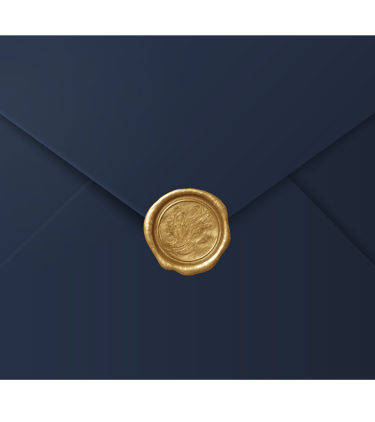
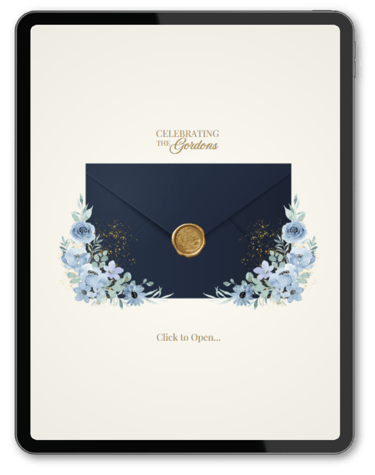
Elegant navy blue envelope secured with a decorative gold wax seal for formal invitations.

The Philosophy

We believe your wedding website should be as timeless as your vows. Inspired by editorial design and old-world correspondence, our templates bring the tactile beauty of paper to the modern screen. No code. No stress. Just pure elegance.
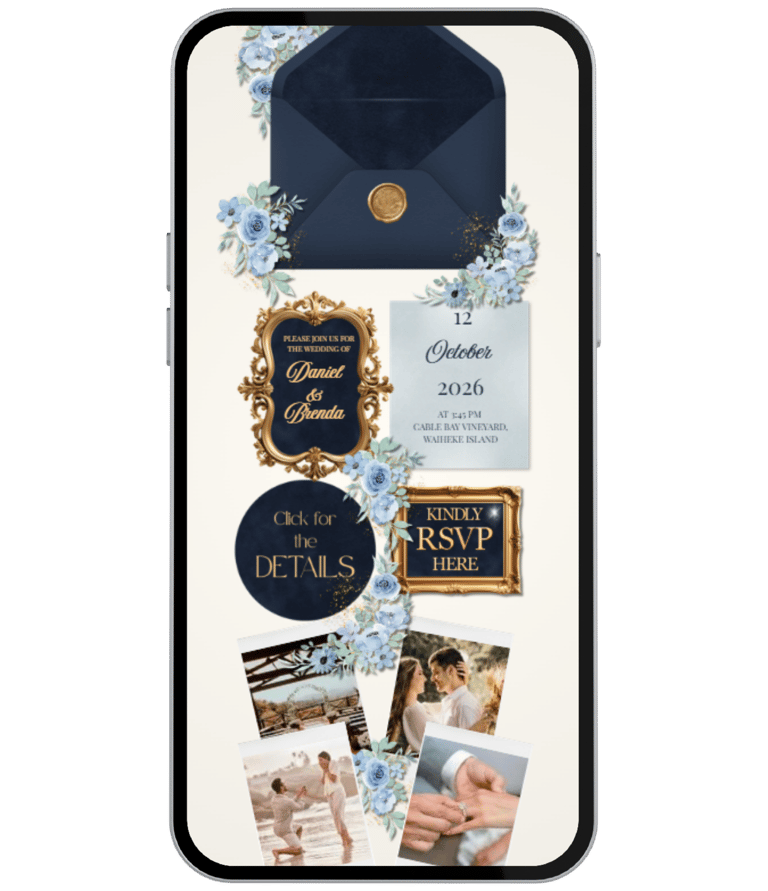
The Navy Heritage Suite | Luxury Mobile Wedding Website Template

$38,00
$19.00

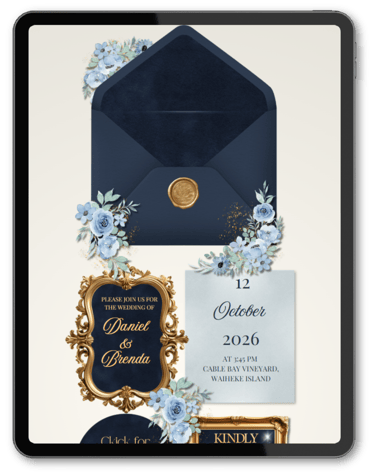
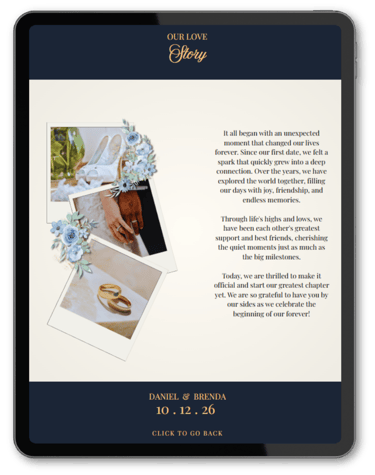
Invite your guests with the timeless sophistication of deep navy blue and gilded wax seal details—without the cost of printing or postage. The Navy Heritage Suite is designed to look like high-end stationery on every screen, blending the tactile beauty of paper with the convenience of a mobile website.
Perfect for the couple who wants the "Royal Wedding" look but prefers a smart, eco-friendly, and budget-savvy solution.
Find Your Perfect Shade

Explore our curated palette to match your wedding theme

Instant Download

No Coding Required

Mobile Optimized

One-Time Purchase

Frequently asked questions

Is this a real website or just a PDF?

It is a real, scrollable website experience! However, technically, it is hosted by Canva. This means you get a live link (URL) to share with guests via WhatsApp, text, or email, without paying for expensive domains or hosting fees.

Do I need to pay monthly fees?

Never. Unlike typical wedding website builders (like The Knot, Zola, or Squarespace) that charge monthly subscriptions, The Everly Studio is a one-time purchase. You pay once, and the template is yours forever.

Do I need Canva Pro to edit?

No! All our templates are designed to work 100% with the Free version of Canva. You won't need to upgrade to edit text, photos, or colors.

Everything you need to know about your digital wedding suite.

How do I receive my template?

Instantly! As soon as your payment is processed, you will receive an email with a PDF guide. This PDF contains the direct access link to your template on Canva.

Can I edit it on my phone?

Yes, via the Canva App. However, for the best and fastest editing experience, we highly recommend opening the template on a desktop or laptop computer first.

The Basics

Editing & Customization

Delivery & Access

What exactly can I change in the template?

Almost everything. You can edit all text (names, dates, addresses), change fonts, replace photos with your own, and even adjust the colors to match your wedding theme perfectly.

Can I remove pages I don't need?

Yes. If you don't want a "Registry" section, for example, simply delete that page in Canva. The website will automatically adjust.

Does it work on iPhone and Android?

Absolutely. Our designs are "Mobile First," meaning they are specifically crafted to look stunning on every smartphone screen size.

Still have questions? We are here to help.